
Order Complete
Alhamdulillah — your Lifetime Access is almost ready!
What you need to do next:
Step 1) Create your free account at Path to Arabic App
Option A (Web): Register here
Option B (App): Download the app and register inside the app
Tip: Use the same email you want your Lifetime Access on.
Step 2) Tell us your registration email
Email us the address you used to register your free account so we can switch it to Lifetime for you (done manually by our team).
Send to: support@pathtoarabic.com
Subject line: “Activate Lifetime Access”
Your Order Summary
Order Details
Billing address
Buckingham Palace
SW1A 2AA London
United Kingdom
You have no rights to see this order.
I already have an account. Do I need to register again?
No — just email us the existing account email (Step 2) and we’ll activate Lifetime on that account.
I used the wrong email at checkout. What should I do?
Register with the email you want to keep using, then email us both emails and tell us which one to activate.
How do I know it’s activated?
We’ll reply to your email when it’s done. After that, log out and log back in to the app if needed.
I forgot my password.
Use “Forgot Password” on the login screen to reset, then try again.
I need help?
We’re here for you — just email support@pathtoarabic.com and we’ll sort it out.
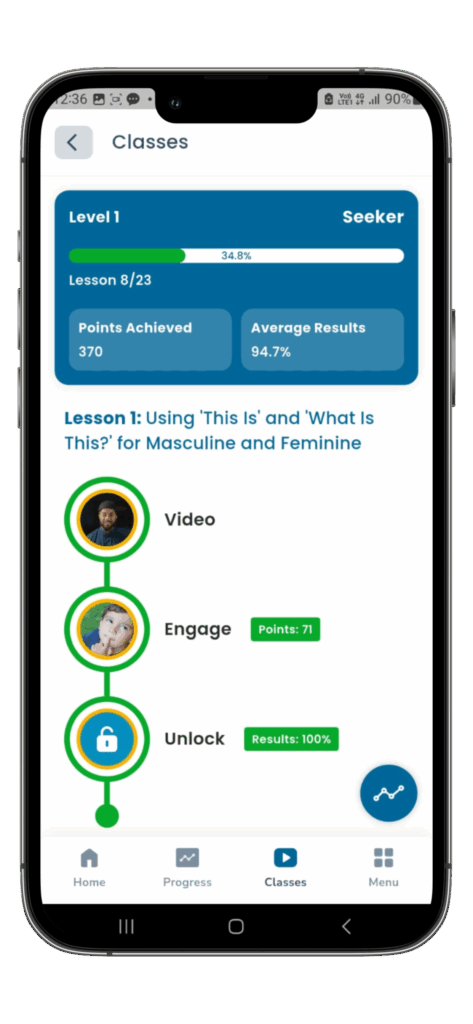
Download iOS or Android App
Path to Arabic is available for iOS devices (iOS version 15+) and Android devices (8.0 Oreo and above).